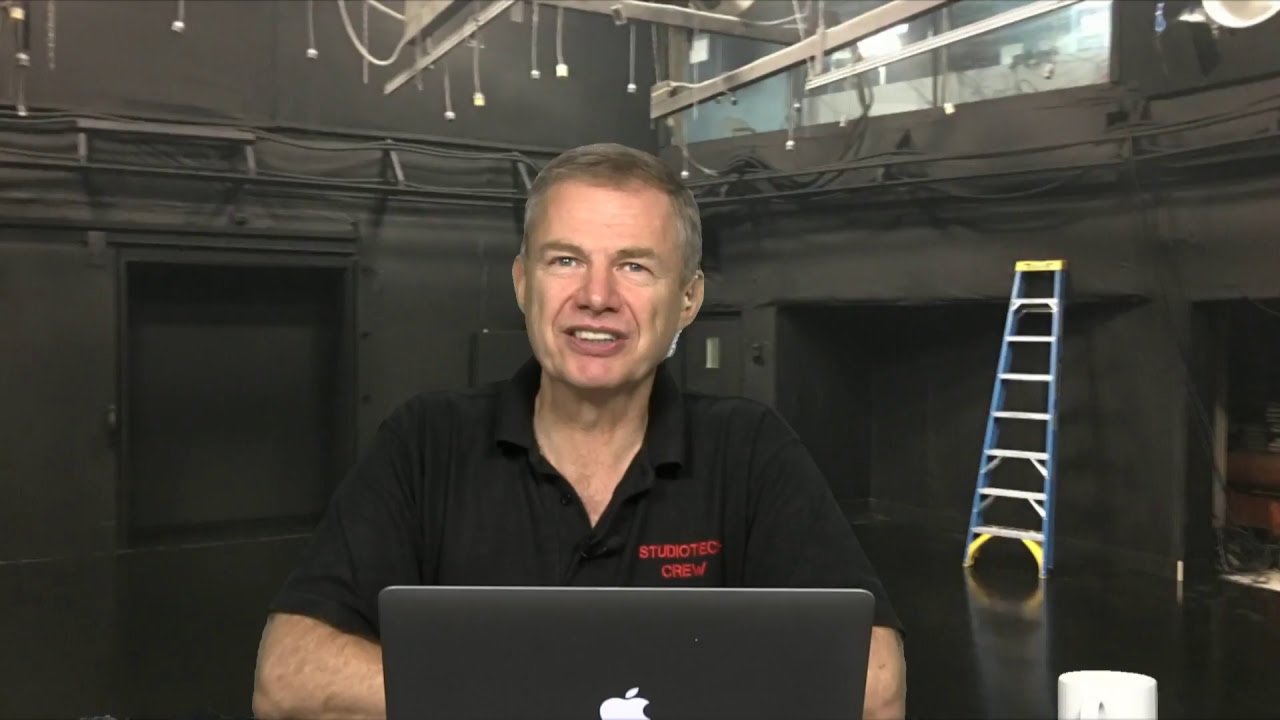
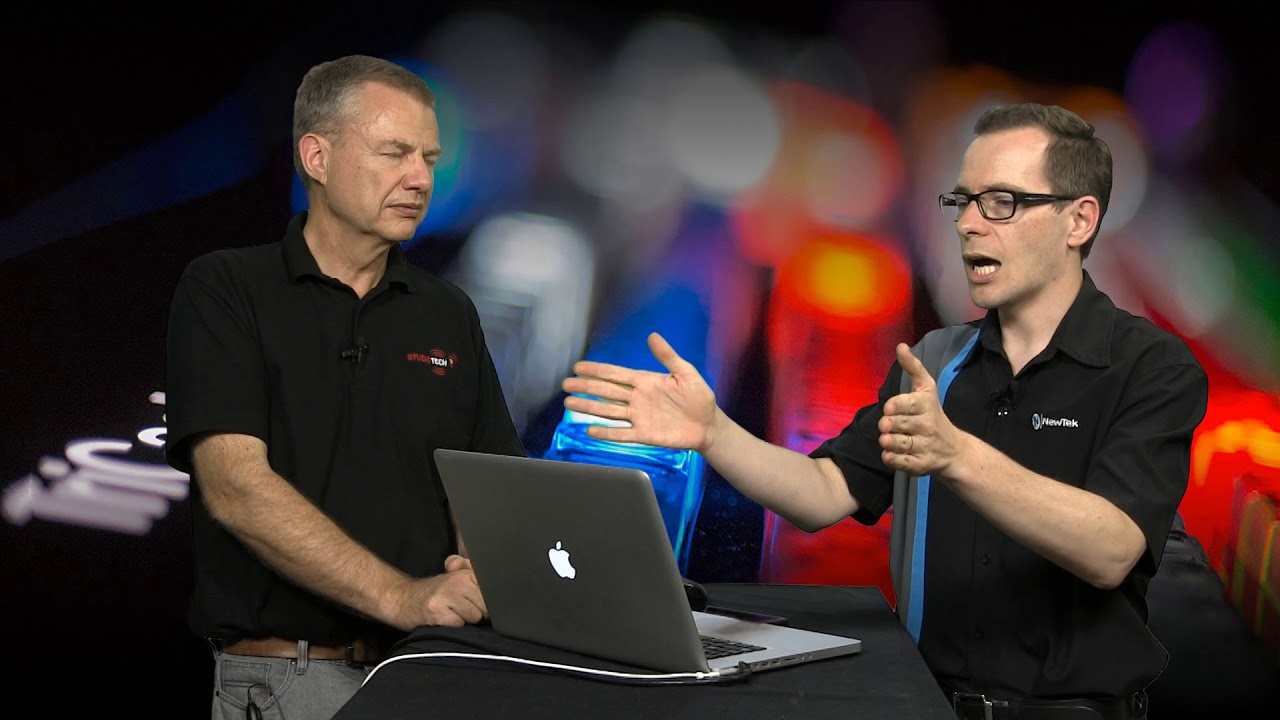
In this StudioTech Special I was joined by Ankit Patel, Director of Switching Products at Blackmagic Design.
Ankit chats about how he joined Blackmagic Design and gives an update on the ATEM product range including the new 2.0 version of the ATEM 1 Switcher Software released today!
We also talked about some of the functions that users are looking for in future updates.
Thanks to Ankit for taking the time out to speak with me.
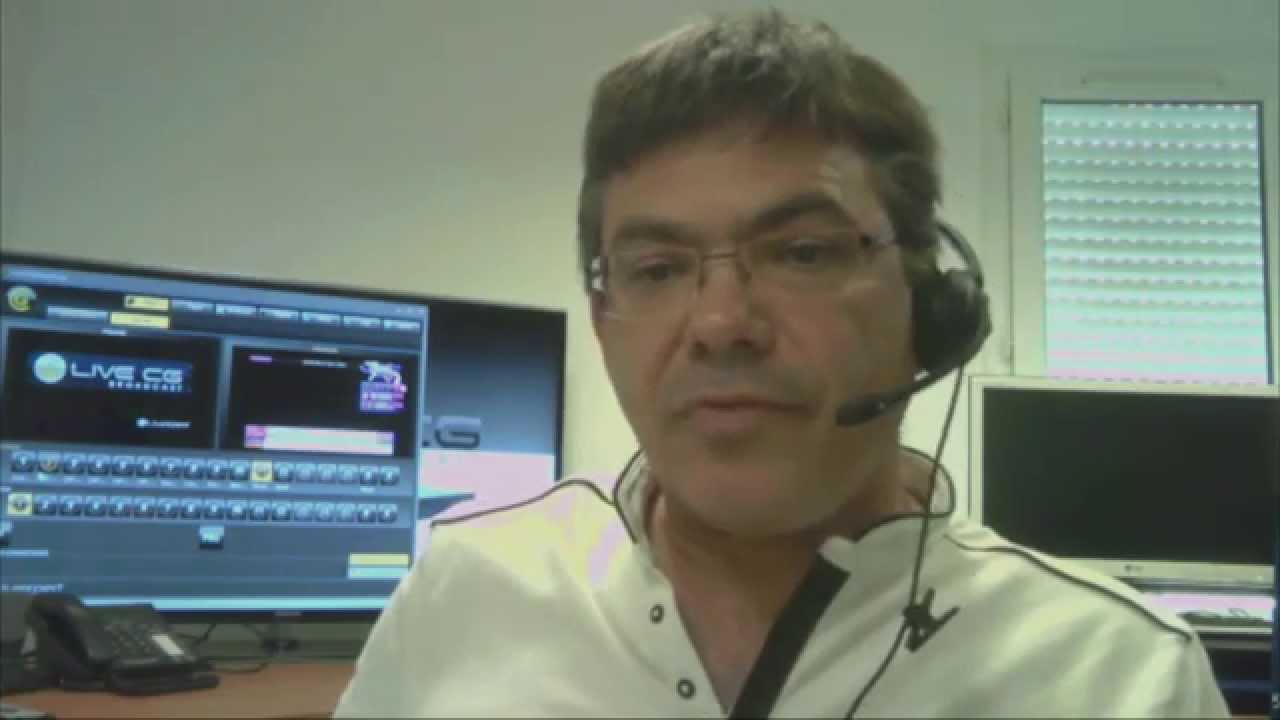
We have noticed some flashing from the display in the background – apologies! This couldn’t be seen on the studio monitors, we are investigating….





To prevent interference when filming projection screens or TFT screens, you can try setting the shutter of the camera to 1/60s.
It’s interesting though that it couldn’t be seen on the monitors. I cannot verify this now, but I think it’s a lot easier to see on a CRT monitor.
Thanks Gerbrand, we will try that. Also testing to see why we didn’t see it in the studio. It may be we just missed it. Learning a lot at the moment!
Hi,
Thanks so much for doing this interview with Ankit Patel.
I heard some very interesting things:
- when running the ATEM switcher in SD (enabled with the software v2.0), the Multiviewer still runs at 1920 x 1080 (and not SD). This is great news.
- USB3 support will come in software version 2.5. This will enable you to run Media Express software to capture the video from AUX1, or run UltraScope to analyse the video. This will only work on Windows machines though.
- at some point, future software versions will include the following important features:
– mapping of the crosspoint buttons
– saving settings
- SDK: An SDK will be released.
- The ATEM2 will be released a lot later than planned. The new estimate is at the end of 2011. The Television Studio will be shipping first (in September 2011 I believe).
Thanks again!
Gerbrand
Actually in PAL land over here in the UK you would be better to use 50th Second Shutter and make sure the screen is being driven at 50HZ too.
Hi Richard,
thought that is what it was set at, but will check. It may be the monitor was running at 60hz so will check both.
Mark
The screen being at 60Hz would cause what we see there. The reason to set shutters at 50hz in the Uk is that artificial light like strip lights will strobe if the shutter isn’t at mains frequency.
Ok have worked it out now. We run everything at 50Hz but the (only) PC we use keeps changing the video settings back to 60Hz and this machine was driving that display.
So we need to fix the display driver or remember to change it!
have you tried the ATEM as a video interface for wirecast?